One intelligence.
Every device you own.

An agent, not a chat window.

The Arble app on iPhone: the chat screen with the Arble mascot, the greeting “Hi, I’m Arble — your personal AI assistant. Ask me anything.” and a message box at the bottom.

Arble runs the whole agent loop on the device in your hand — the tools, the memory, the permission gate and the model router. Your keys never leave the enclave, your context never leaves the phone, and the work carries on whether or not you are watching.

Built for the modern AI ecosystem

Built for the way
you actually work.

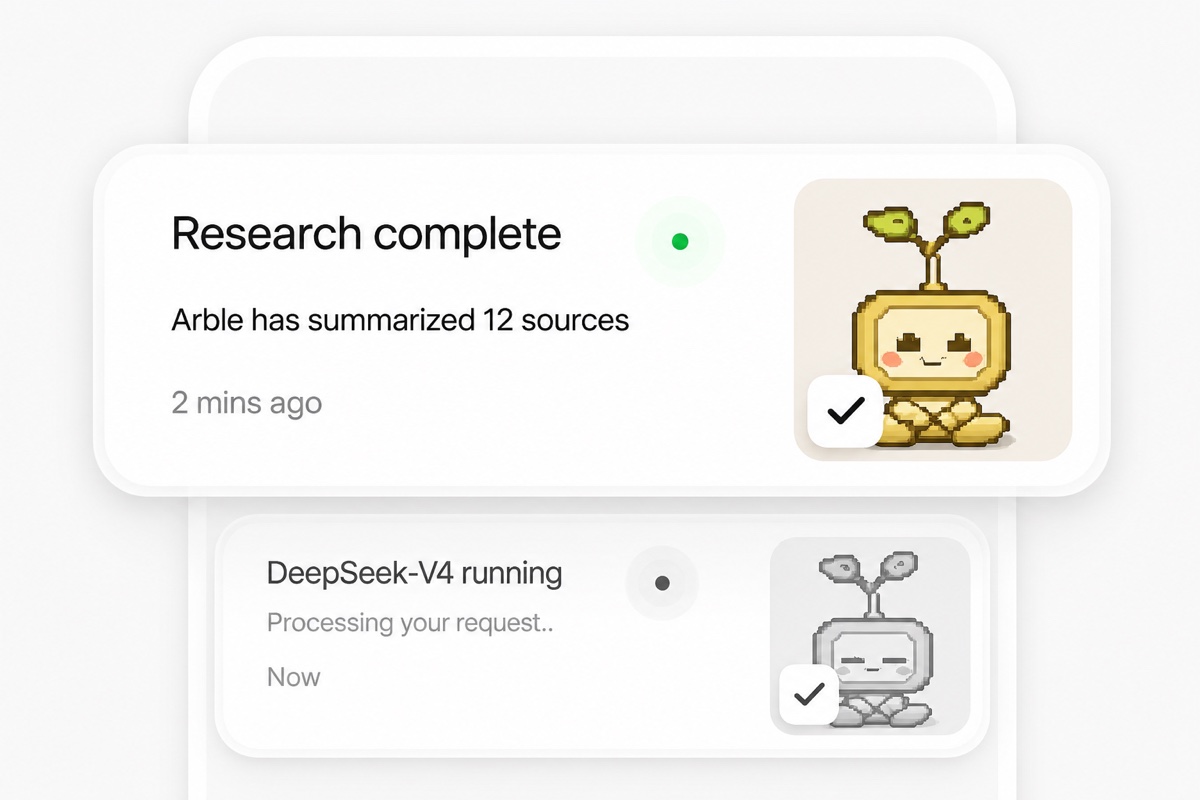
Two activity cards stacked: 'Research complete — Arble has summarized 12 sources, 2 mins ago', and below it 'DeepSeek-V4 running — Processing your request'.

See every tool call, permission prompt and background run the moment it happens

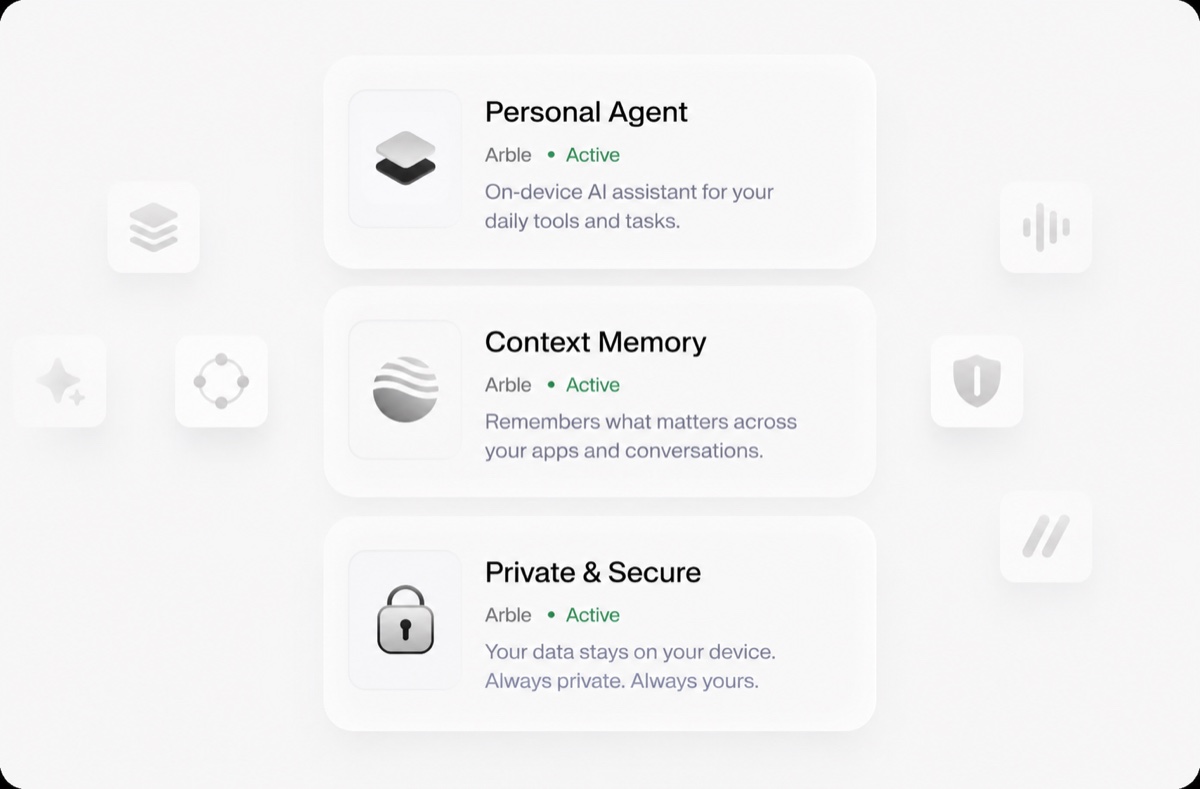
Three status cards — Personal Agent, Context Memory and Private & Secure — each marked Active, describing on-device assistance, cross-app memory and data that never leaves the device.

Agent, memory and permissions run as one on-device system, not three add-ons
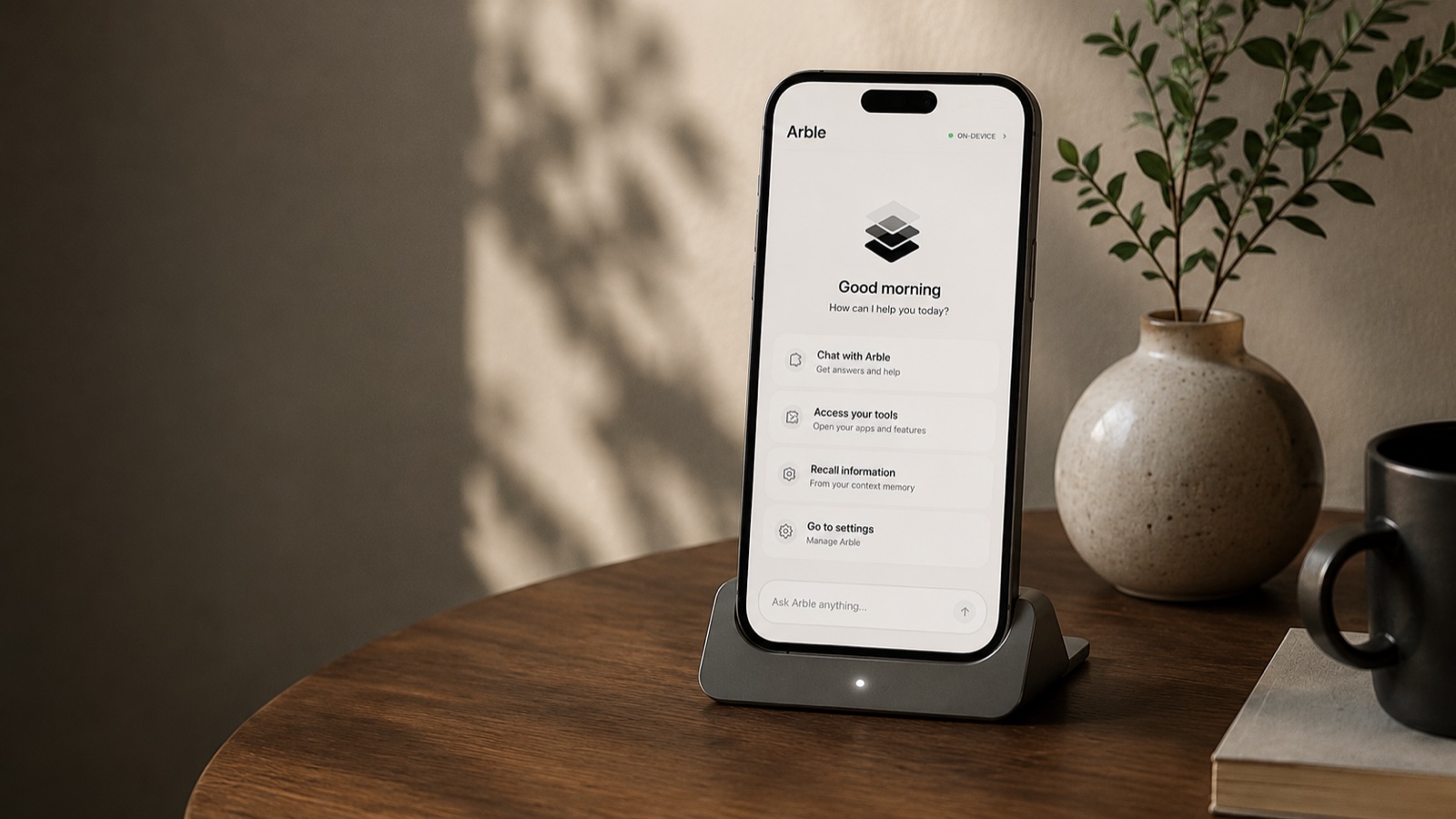
An iPhone standing in a dock on a wooden side table, showing Arble's home screen — a Good morning greeting, an ON-DEVICE badge, and shortcuts to chat, tools, context memory and settings — beside a potted plant and a mug.

Understand where your tokens, time and context go — measured on-device

Running quietly,
every day.

Arble handles the work you would otherwise do by hand — reading the mail, holding the context, calling the tool, asking before it writes. From a single question to a schedule that runs while the app is closed, it all happens in one place, on hardware you already own. As you hand it more, the runtime takes it without new accounts, new servers or new bills.

579
Typed tools available
61
Toolsets built in

Always on device

The agent loop, your keys and your context stay on the hardware you own. There is no Arble server in the path.

Built for daily use

Schedules and heartbeats keep agents working while the app is closed, and every wake-up is logged for you to read back.

Scales with you

Swap one model for another, add a toolset, run more agents at once — nothing above the router has to change.

Safety you can
actually see.

Every write stops to ask, every answer keeps its sources, and every job it runs reports back when it is done.
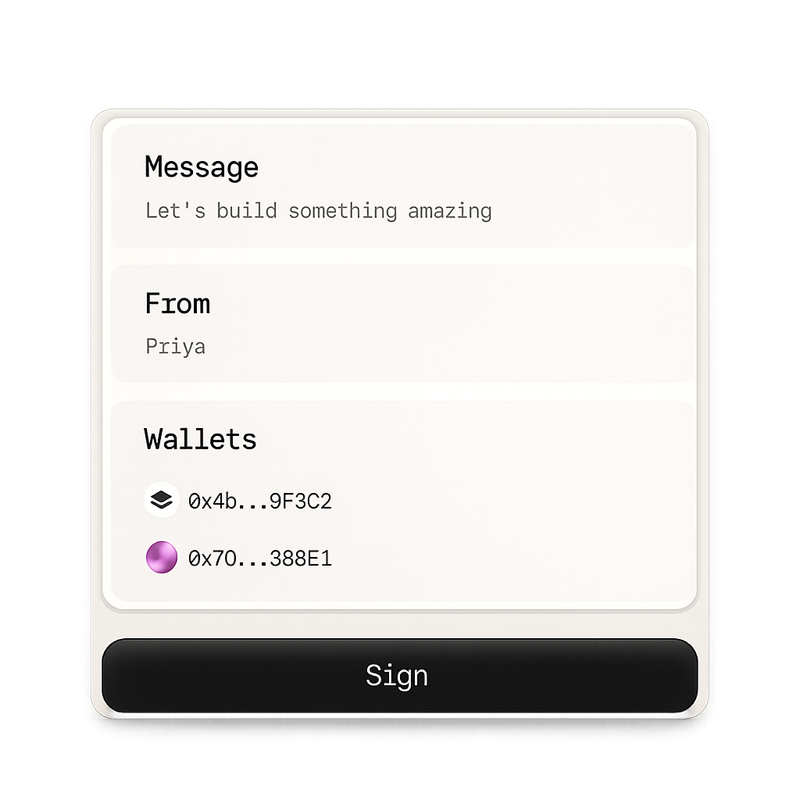
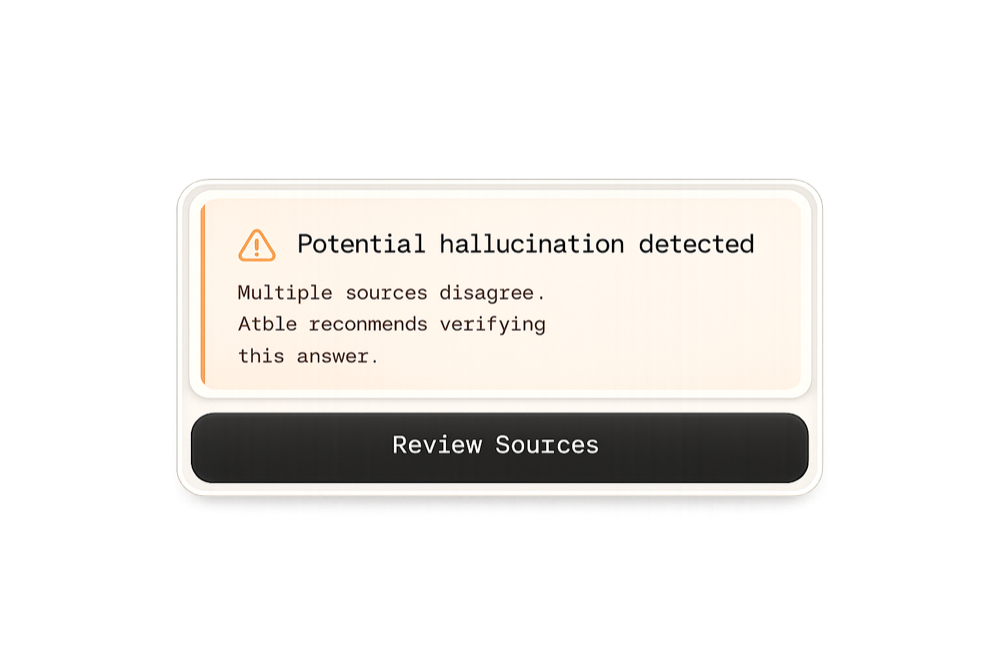
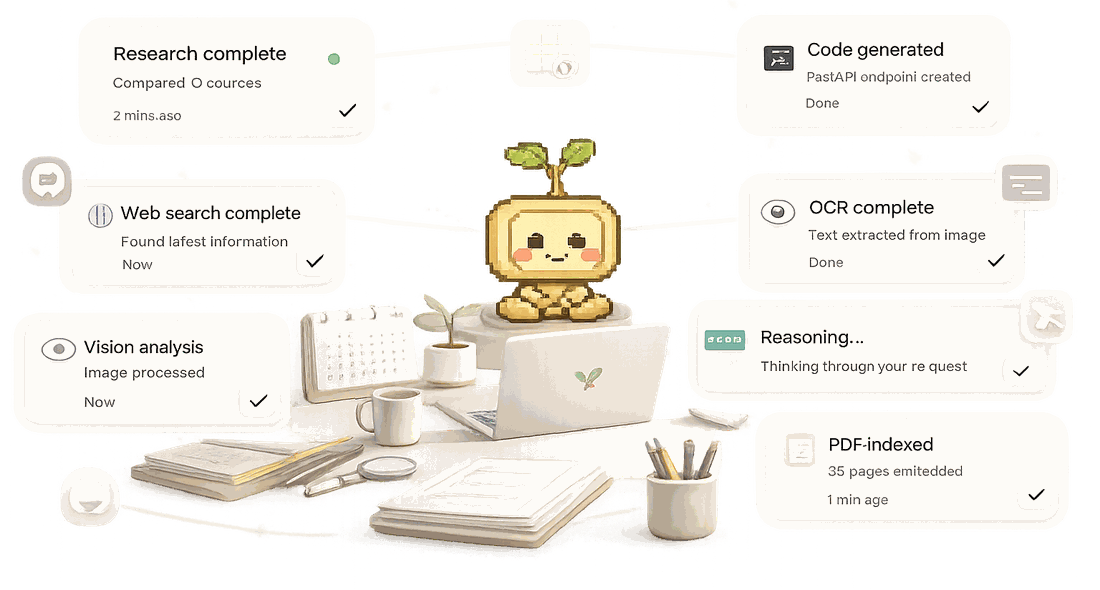
A signing sheet: a Message reading 'Let's build something amazing', a From field naming Priya, two wallet addresses, and a Sign button. A warning card: 'Potential hallucination detected — multiple sources disagree, Arble recommends verifying this answer', with a Review Sources button. Seven completion cards floating around a desk — research complete, web search complete, vision analysis, code generated, OCR complete, reasoning, and a PDF indexed — each ticked off with how long ago it finished.
Integrations

Connect every tool.
Work from one place.

Arble reaches into the apps you already use, so the work happens where it already lives.

A phone and a laptop floating side by side in greyscale, joined by a trail of light, surrounded by panels showing a code editor, a build log, an analytics dashboard, a test checklist reading one hundred per cent, and a deployment panel.

One workspace, every tool

Mail, files, code and calendars all answer to the same agent — no tab-switching, no copy-paste, no second place to look.
  • Connect and revoke in one tap
  • Nothing routes through our servers
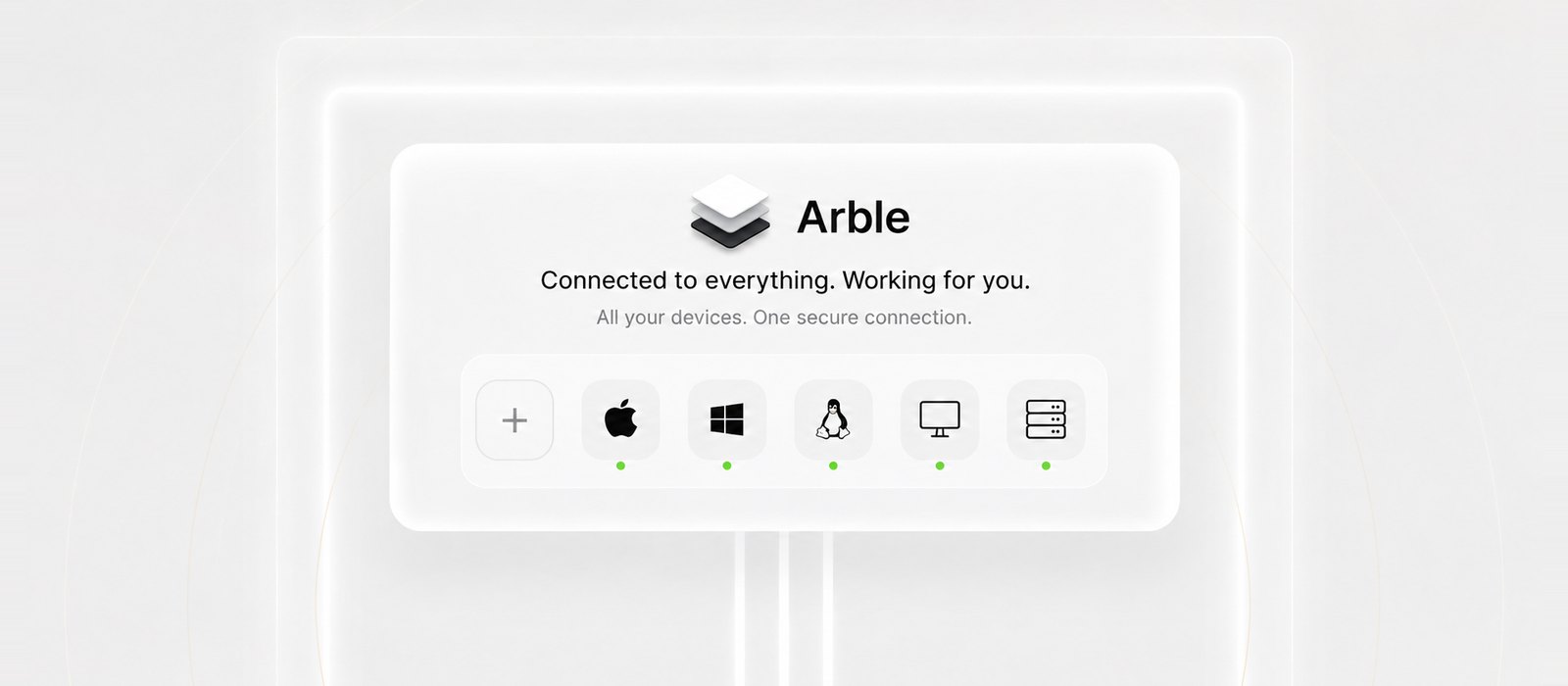
An Arble panel reading 'Connected to everything. Working for you — all your devices, one secure connection', above a row of device tiles for macOS, Windows, Linux, a desktop and a server, each showing a green online dot, plus an empty slot to add another.

Every device, one connection

Phone, laptop, desktop or the server in the cupboard — pair once and the same agent, memory and permissions follow you onto each of them.

  • Pairs over your own network
  • macOS, Windows and Linux
A hub diagram in greyscale: AI Memory at the centre, described as remembering, understanding and working in context, wired out to Web, Files and Email on the left and Calendar, Chats and Code on the right.

A loop you can follow

Every request runs the same five stages — understand, plan, execute, verify, complete — and you can watch it move through each one.

  • Five stages, every request
  • Each step logged as it lands
Pair and control

Your desktop,
in your pocket.

Pair once and your phone drives the machine — trackpad, keyboard, files and screen. macOS, Windows or Linux, over your own network, with no relay in the middle holding the session.

Get Started
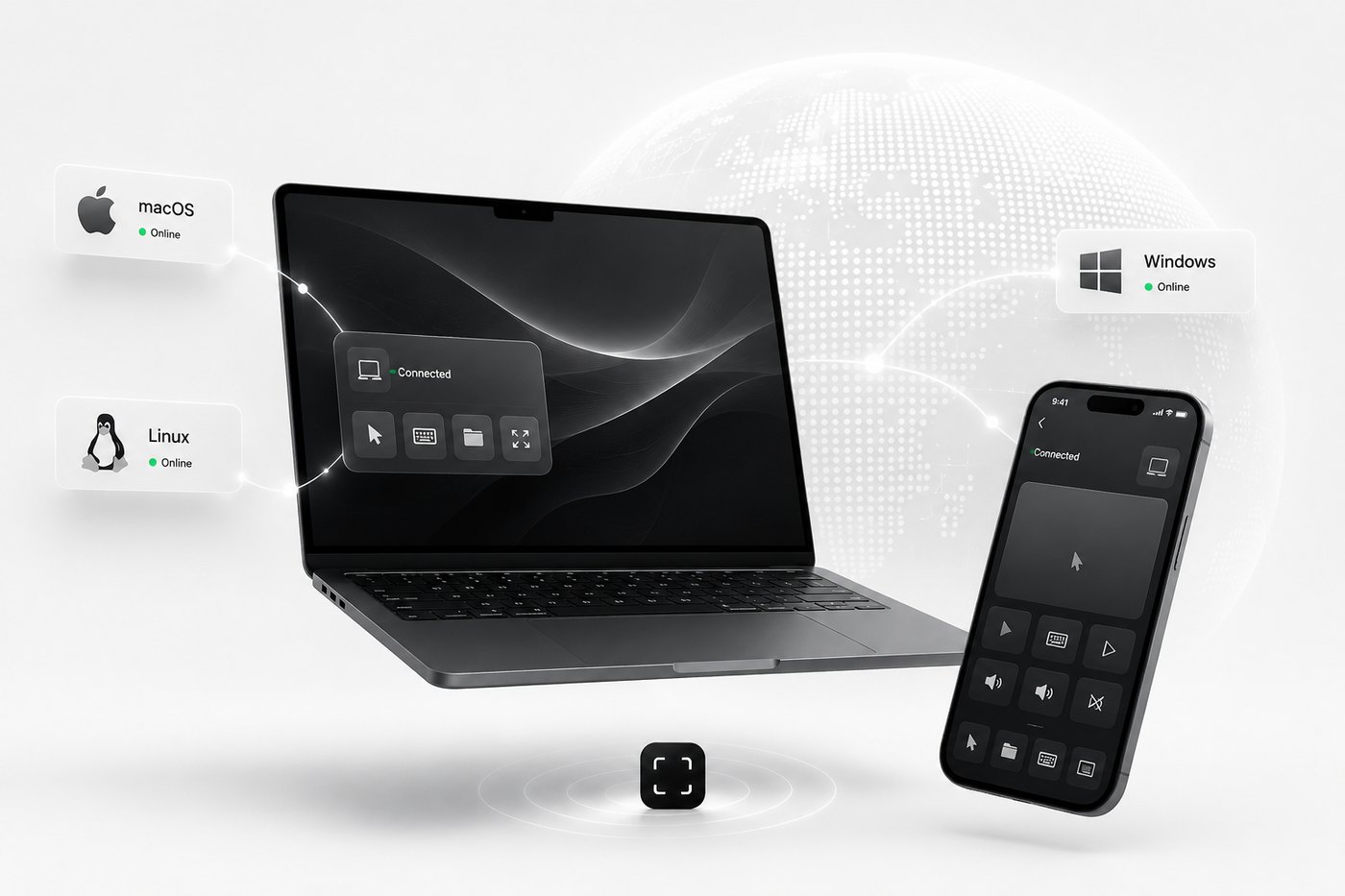
A laptop being driven from a phone: the phone shows a trackpad and media keys, the laptop shows a Connected panel, and macOS, Windows and Linux each sit in a status pill marked Online.
One app, everywhere

The same Arble,
on every screen.

Desktop or phone, macOS, Windows or Linux — one interface, one memory, one set of permissions. Nothing here is a cut-down companion app that can only watch while the real work happens elsewhere.

Get Started
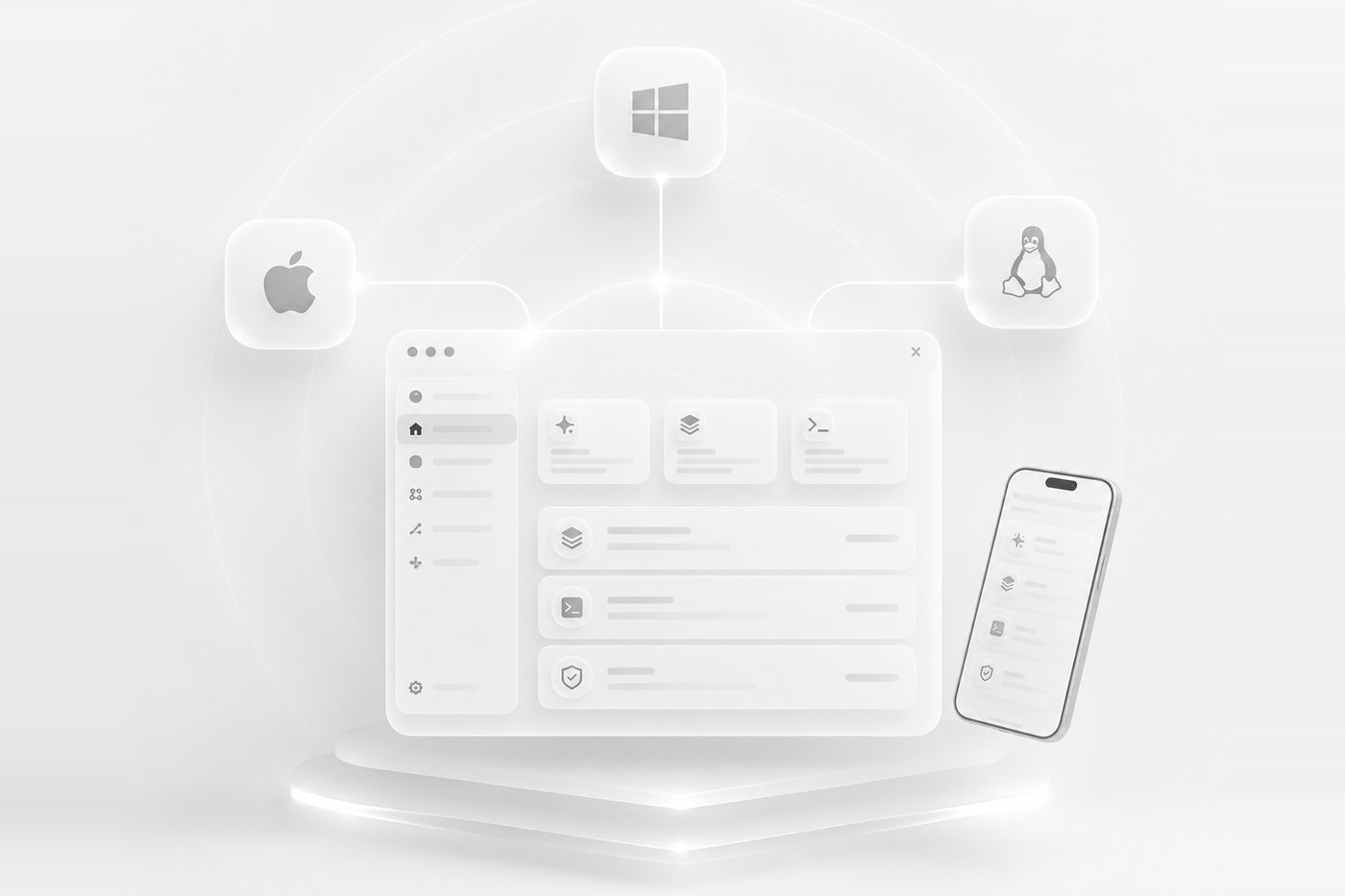
The Arble desktop window and the phone app side by side on a lit plinth, wired up to macOS, Windows and Linux tiles above them — the same sidebar, cards and list on both screens.

The human–agent intersection.

Arble reaches exactly as far as you let it. Every line past that point is yours to approve, revoke, or read back afterwards.
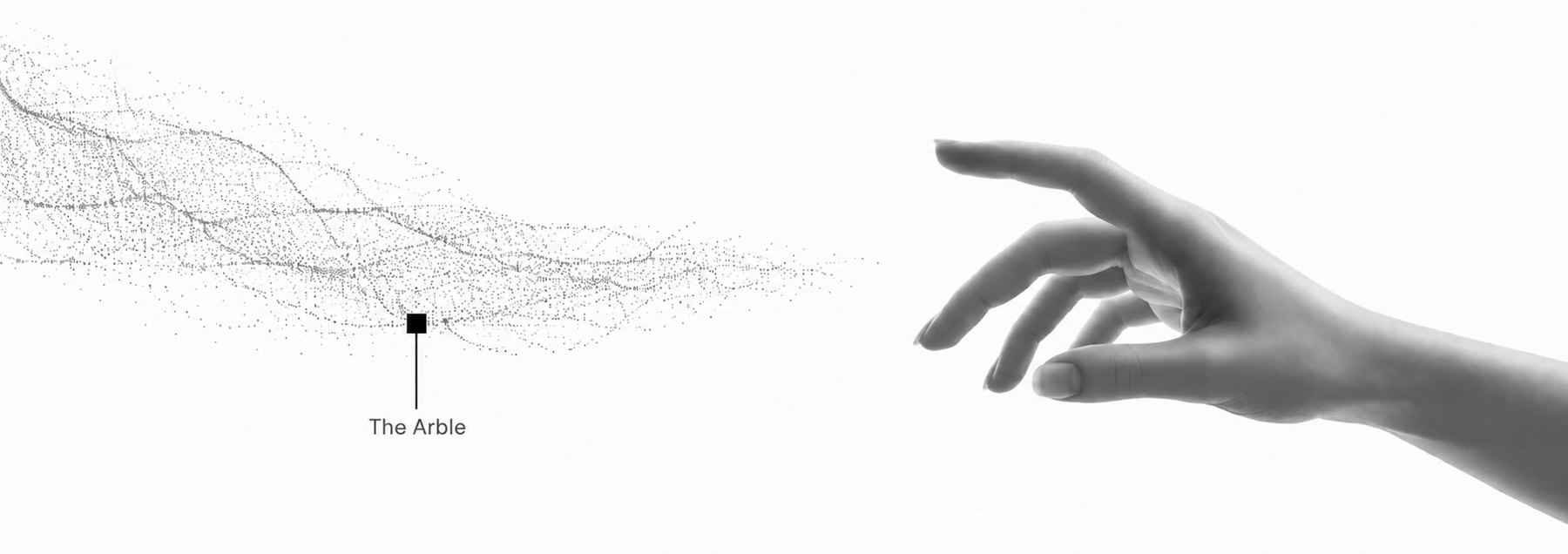
A drift of fine grey particles resolving out of the left edge and reaching toward an outstretched human hand on the right; a small square marker in the particle field is labelled 'The Arble'.

Built to carry the work
you would rather not do.

The reading, the drafting and the chasing — handled in one place, on hardware you already own.

Arble reads the mail, drafts the reply and files the result. You approve; it acts.

Notes, files and threads stay searchable, so you never explain the same thing twice.

Schedules and heartbeats run with the app closed, and every wake-up is logged for you to read back.
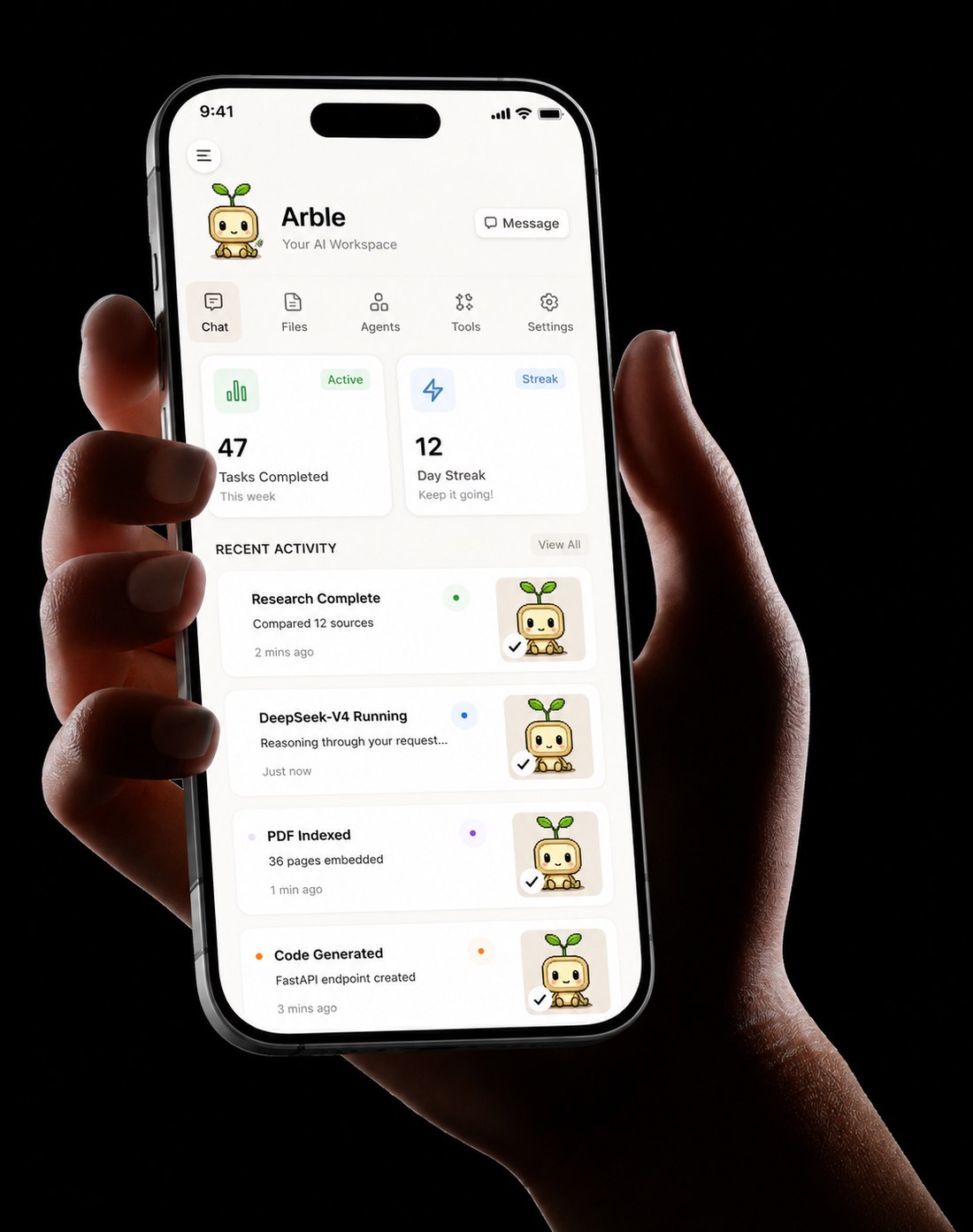
A hand holding a phone running Arble: a header with Chat, Files, Agents, Tools and Settings, tiles reading 47 tasks completed this week and a 12 day streak, and a recent activity list — research complete, DeepSeek-V4 running, PDF indexed, code generated.

Every screen,
one runtime.

The whole loop is something you can look at — what it can reach, what it remembers, and what it did while you were away.

The Arble chat screen: the mascot above the greeting “Hi, I’m Arble — your personal AI assistant. Ask me anything”, with an attach button and a message box.
Chat
The session drawer: a New session button, a chat search box, links to Memory, Tools, Notes, Files, Status, Nodes and Settings, and a Recents list of past chats.
Sessions
The Memory screen: a search box over memories and conversations, tabs for All, Notes and Conversations, and saved conversation entries with dates.
Memory
The Tools screen listing built-in tool sets — calculator, web_search, memory_search, daily_digest, translation, qr_code and image_gen — each with its tool count and whether it is always loaded or loads on demand.
Tools
The permission mode sheet: Ask permissions selected, with Accept edits, Plan mode, Auto mode and Bypass permissions listed below, each explaining what it allows.
Permission modes
The Status screen: token usage totals, an active heartbeat on a 30-minute interval with Trigger Now and Edit Tasks, and an activity log of heartbeat runs.
Status
The Connectors screen: a Directory row for browsing skills and connectors, then Gmail with a Connect to Gmail button, Microsoft for Outlook, OneDrive and Teams, and Notion.
Connectors
The Directory on its Skills tab: a field to paste a SKILL.md link, and a catalogue of PDF, Word, Excel and PowerPoint skills, each with an add button.
Directory · Skills
The Directory on its Connectors tab: DeepWiki, Context7, Hugging Face, GitHub, Linear, Notion MCP, Sentry and Stripe, each marked either no sign-in or sign-in required.
Directory · Connectors
The provider picker in Settings: NVIDIA NIM, Ollama, Claude, OpenAI, Perplexity, GitHub, Kimi, DeepSeek, GitHub Copilot and Telegram, with DeepSeek selected and its available models listed.
Providers and models
The Connect a Computer screen: a Scan pairing QR button, an on-your-network list searching for agents, a field to paste a pairing code, and manual name and address fields.
Connect a computer
The Nodes screen: a Gateway card on ANP 1.1 WebSocket, sync domains for memory, reminders, heartbeat, llm_config and nodes, and a Sync Now button.
Nodes
The Notes screen: an empty notes panel inviting a first note, and a Reminders section with an add-reminder field and no pending reminders.
Notes and reminders
The Appearance settings: dark and light theme, six accent colours, compact, regular and comfy density, three font choices, and toggles for chat bubbles, liquid glass, ambient glow, motion and thought bubbles.
Appearance

579 typed tools, one gate

Mail, calendars, files, code hosts, home devices and your own servers — 61 toolsets, every write stopping at the same permission prompt.

Counted in this build, not projected

The Arble Playbook

35 chapters on how Arble works and how to run it. Free.

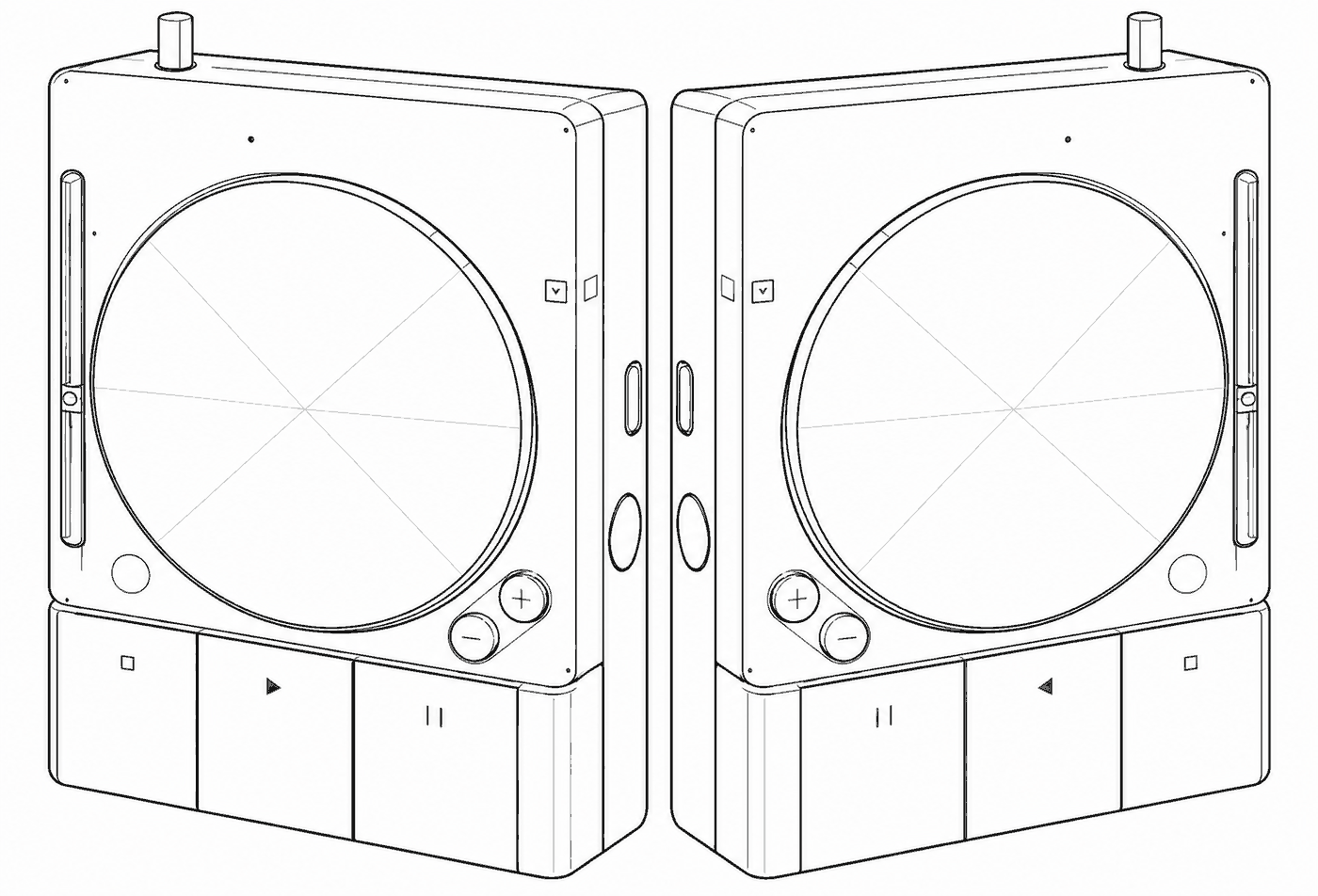
Line drawing of two identical portable machines standing face to face, each with a large circular dial, side sliders, plus and minus knobs and a row of transport buttons.

Ready to work
differently?

Bring your own models. Keep your own data. Setup takes about four minutes — once it lands.

Coming soon to the App Store Coming soon to Google Play

Not released yet. Tell us where to send it and we’ll let you know the day it ships.